How Pliyos Works for Your Business
Discover step by step how to design, customize, and deploy smart digital portals and dynamic QR codes in under 5 minutes.
Automated dish import and photo retrieval from your URLs, targeted translations, and zero reprinting costs.
4-step restaurant rollout
From traditional paper menus to a dynamic, profitable digital dining experience.
Import your menu & dish photos
Upload your menu as a PDF, photo, or website URL. AI extracts dishes, pricing, and allergens, and retrieves food photos directly from URLs to build your photo library.
Select target languages & Wi-Fi
Select the languages your foreign guests speak among 100+ available. Activate instant 1-scan Wi-Fi connection and Google 5-star review gating.
Export vector QR codes for tables
Download custom branded vector QR codes in SVG format and high-resolution PNG for table tents, stickers, or placemats. Flawless scan readability from any angle.
Update prices and daily specials instantly
Sold-out dish or new price? Adjust it in 3 seconds from your phone: your tabletop QR codes immediately display the updated menu with zero reprinting.
Interactive & Multilingual Live Menu Demonstrator
Switch languages to see dishes translate in real time, exactly as guests see on their mobile phones.
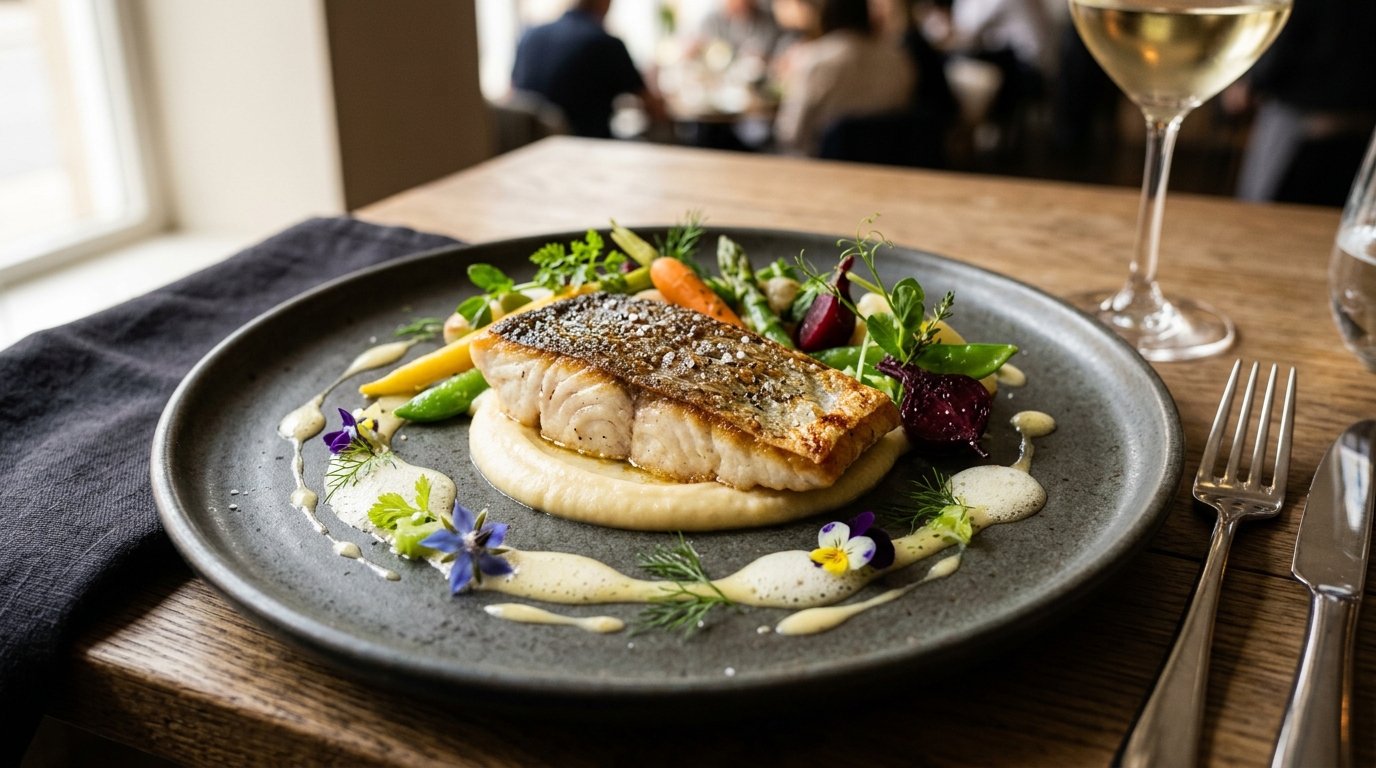
Roasted Sea Bass & Citrus Emulsion
26,50 €Pan-seared wild sea bass, bourbon vanilla parsnip puree, seasonal crisp vegetables, and citrus reduction.
Live restaurateur control panel
💡 Any change made from your phone updates instantly on all QR codes placed on your tables.
The « Catch-Me » Table Portal & Guest Loyalty
Your table QR code does more than show food: it turns seated diners into brand ambassadors.
1-Scan Direct Wi-Fi
No more dictating complex Wi-Fi passwords during rush hour. Guests connect to your restaurant network with a single tap on their screen.
Google Maps 5★ Review Gating
The portal discreetly checks guest satisfaction. Delighted guests are routed to your Google profile; private feedback stays internal.
vCard, Instagram & Booking Links
Share your business contact card, Instagram profile to grow followers, and a direct reservation link for their next visit.
Centralized Media Library & Dish Photo Retrieval
Retrieve your dish photos directly from published URLs to build your personal library, or upload visuals in seconds.
Enter the web URLs where your food pictures are hosted: our engine extracts and organizes them automatically.
Each dish photo is automatically resized and compressed to load in the blink of an eye on your guests' smartphones, even with low connectivity.
Easily attach photos to dishes or set menus directly within the visual menu editor.
Ready to elevate your customer experience?
Join the hospitality and brand professionals eliminating paper with Pliyos smart QR portals.
No credit card required • 5-minute setup